


What the patch does
- Puts JAST's English script into the Grisaia Remastered Box versions of Fruit of Grisaia and Labyrinth of Grisaia — dialogue, narration, names and choices
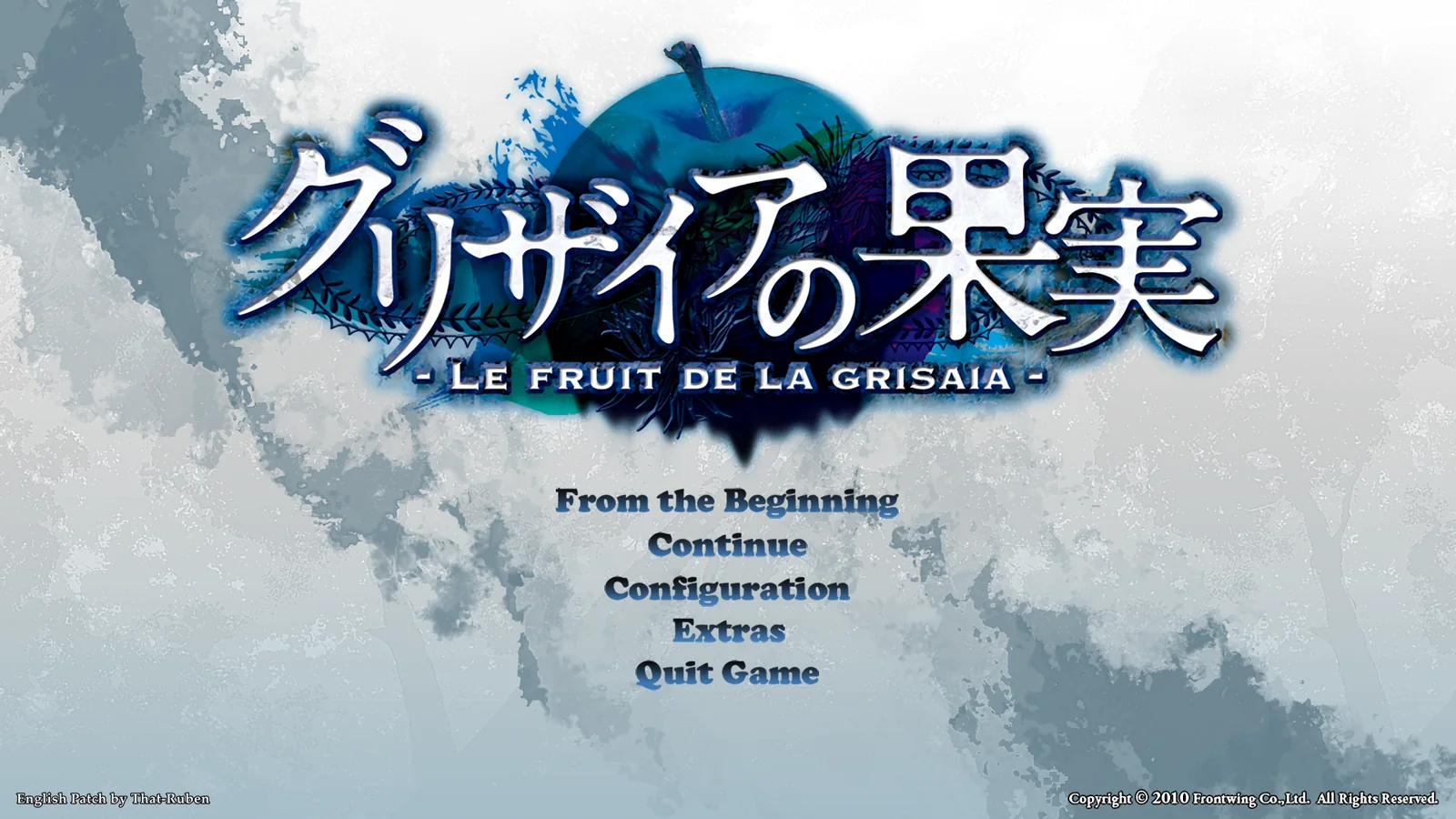
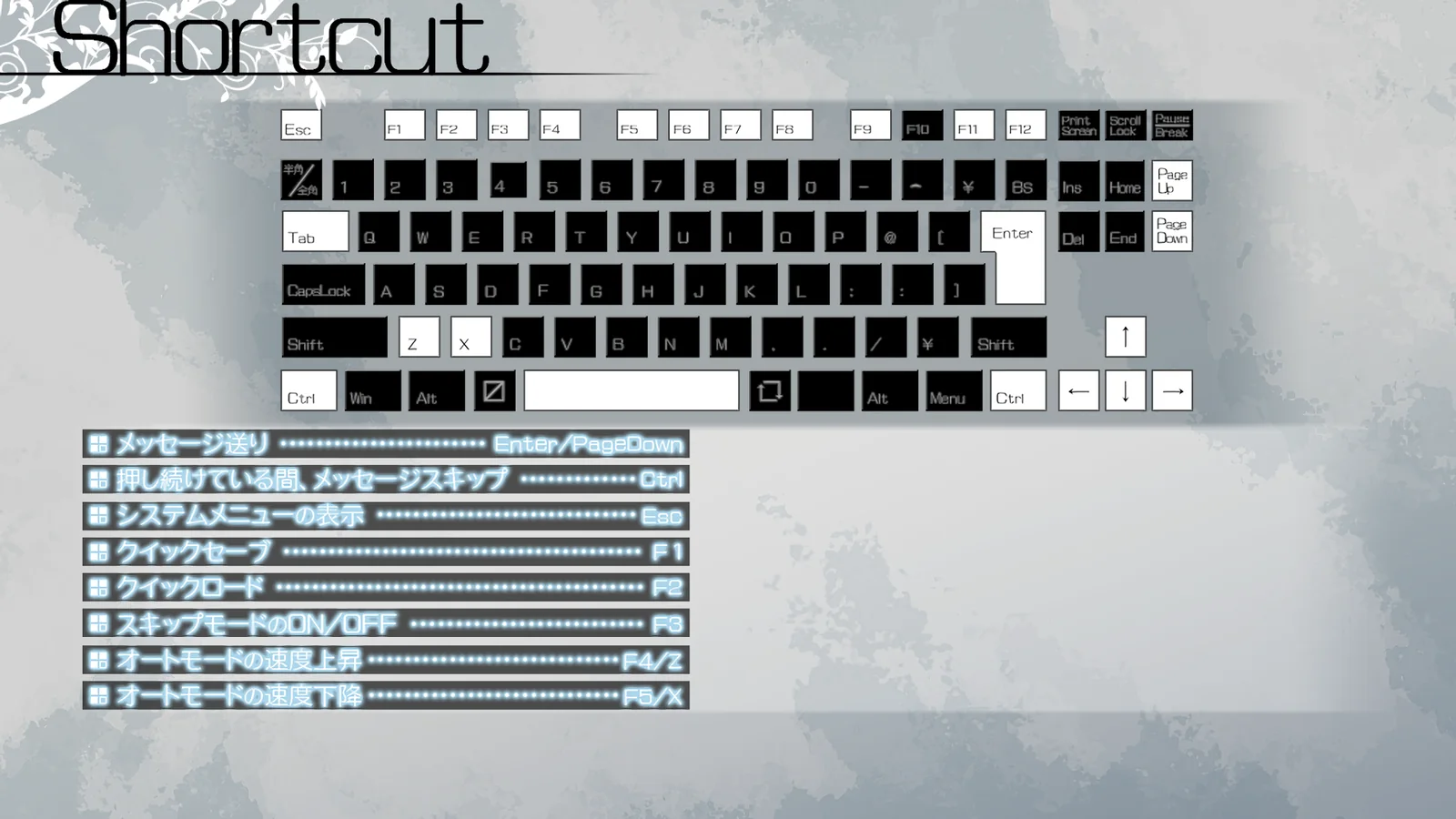
- Translates the menus and UI with JAST's English art, upscaled to the Remastered Box's 1920×1080: title screen, configuration, save & load, galleries, system voice, shortcut keys, backlog and the location cards
- English settings windows and key names (System Config, the boot menu)
- Sets the in-game font to JAST's Grisaia Custom SP, and fits the message window and backlog to English text
- Works together with the UCG patch (the Steam CGs)

Pick a voice pack, like the game's System Voice screen. She'll read out the title menu, the volume slider and the scene player's buttons for you.
From the Beginning
The opening of Fruit, played from the game's own script with its voices, sprites and sounds. Switch between the original Japanese and the patch's English at any point.
Hover or tap a heroine.
Extras: before & after
Drag across each one — the Remastered Box as it ships on the left, with the patch on the right.
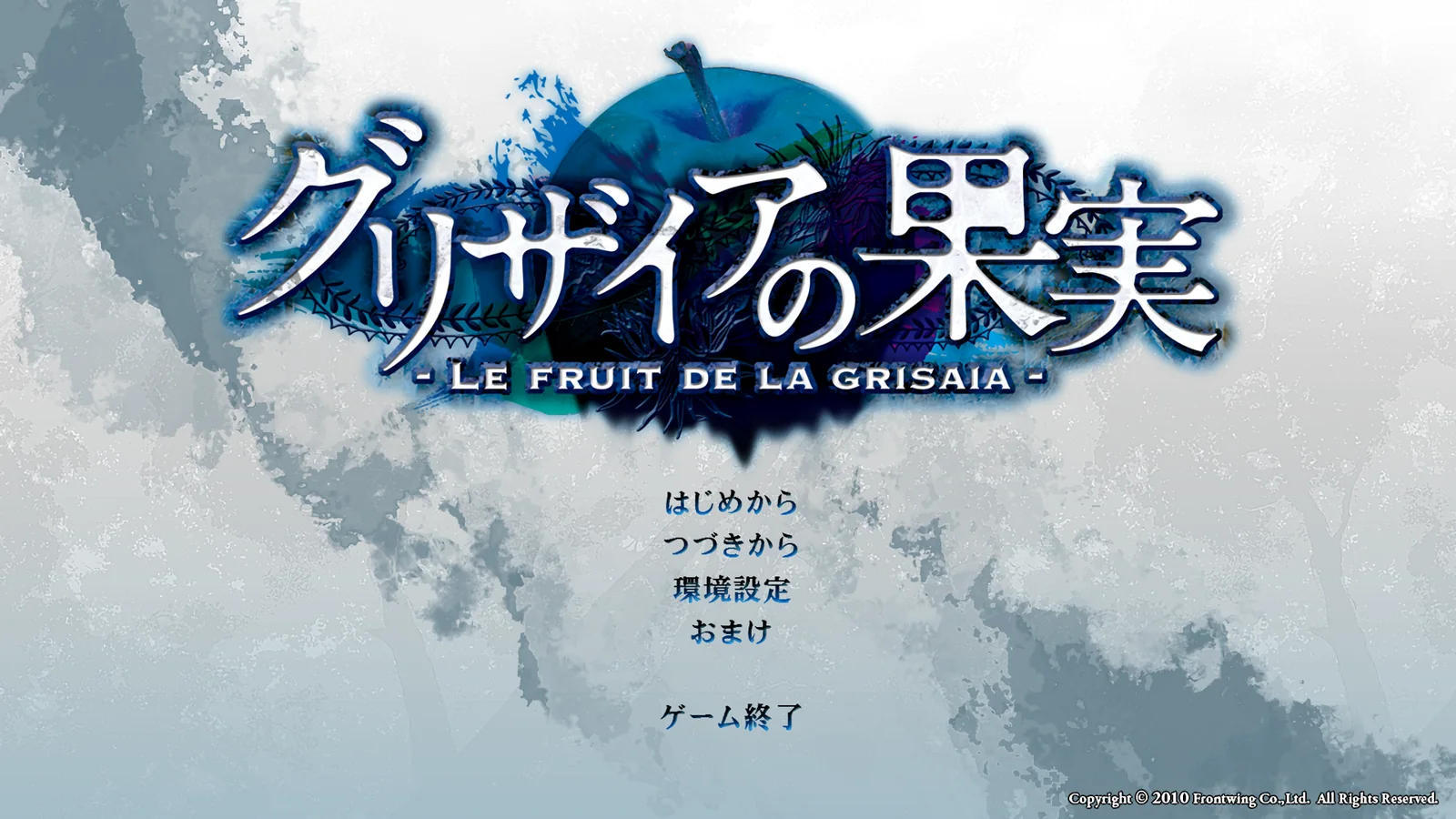
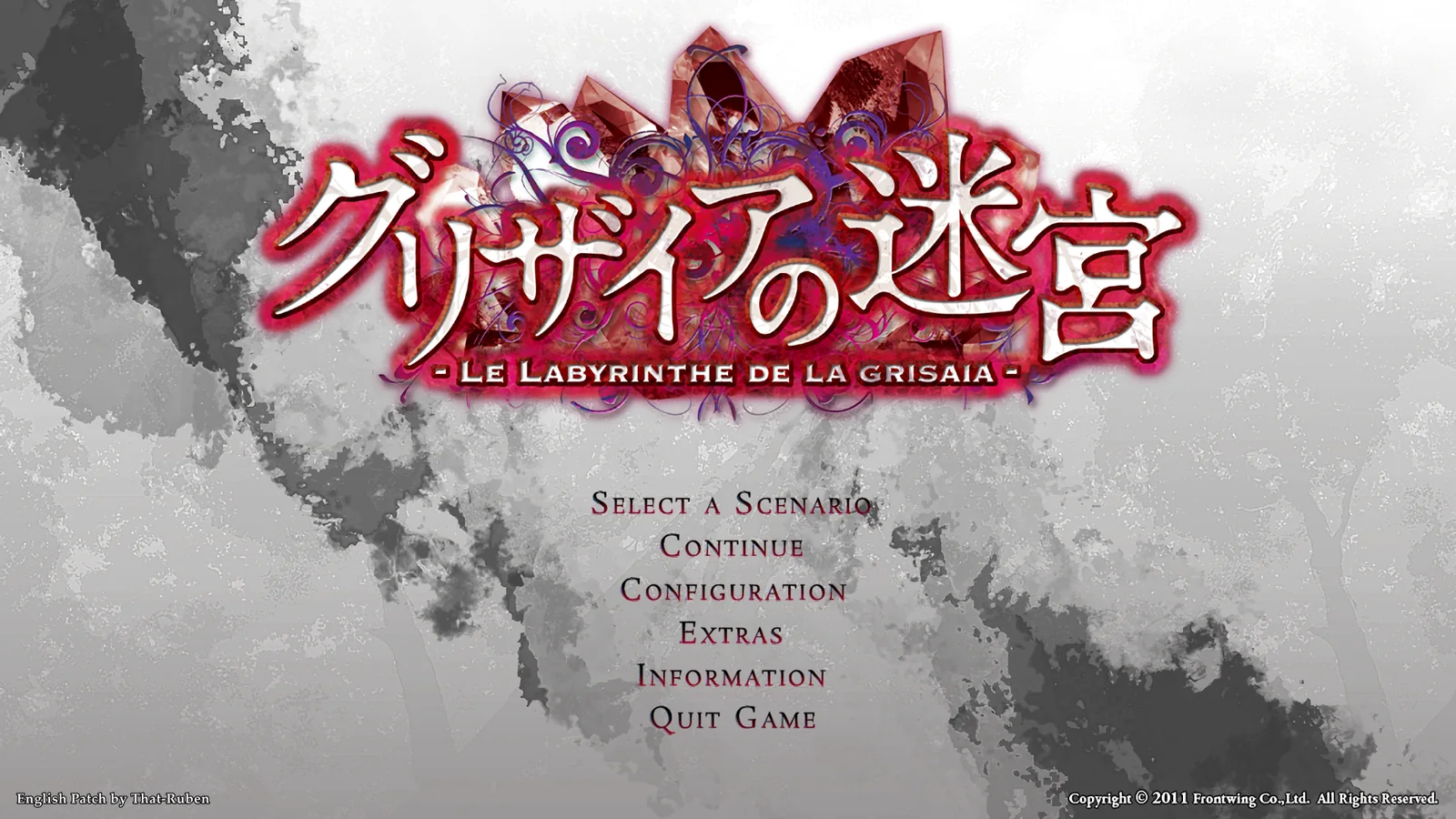
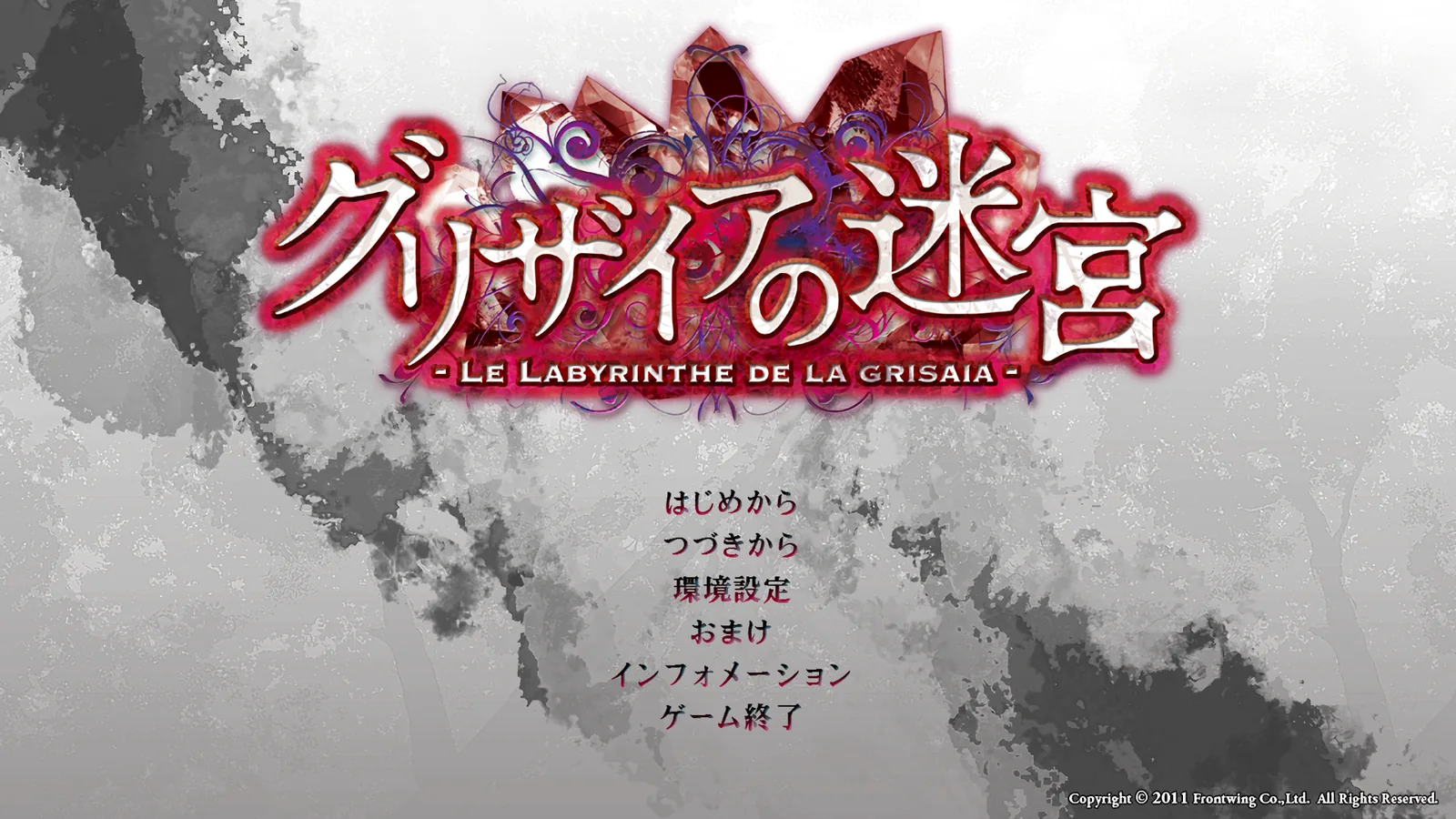
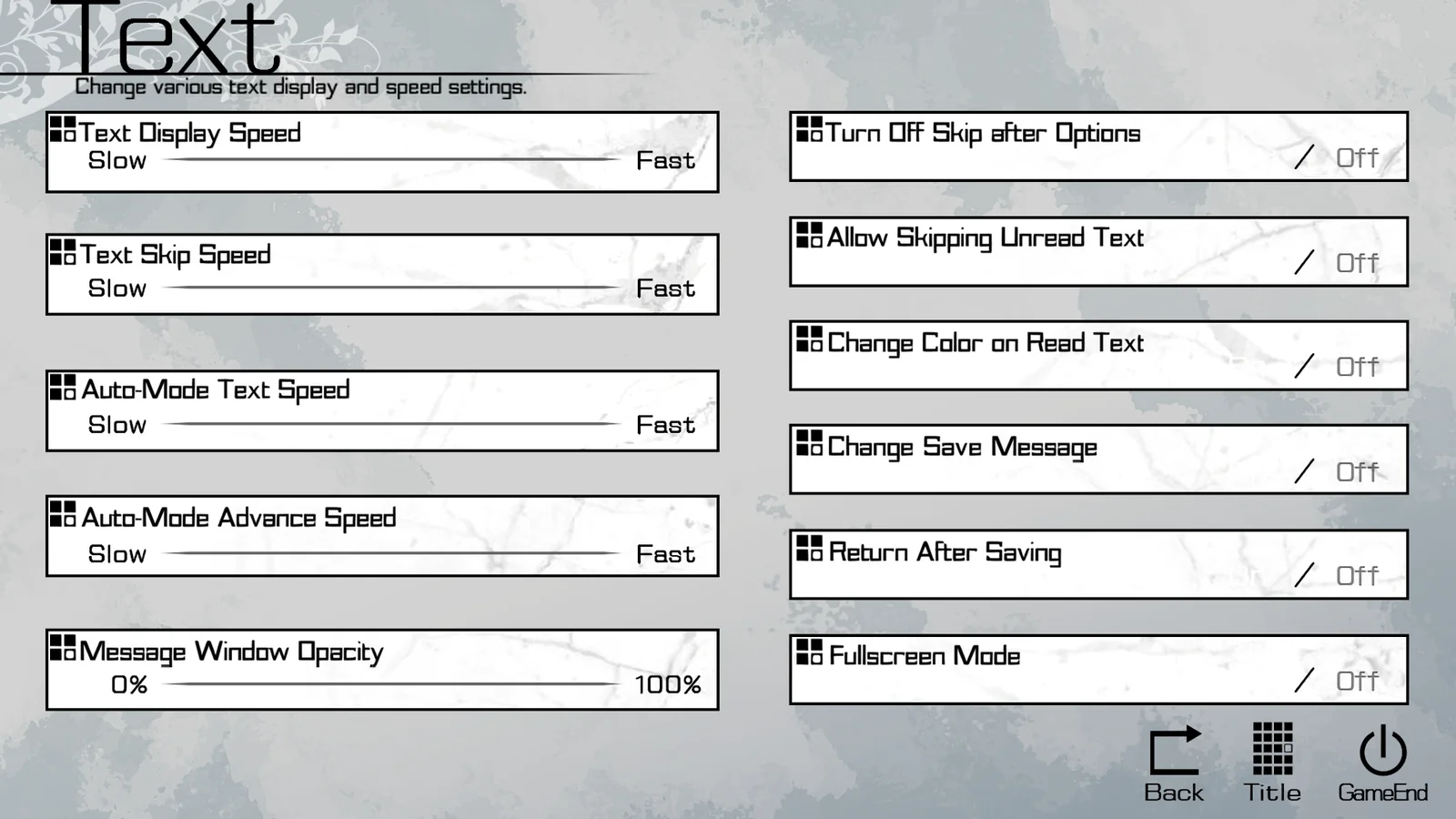
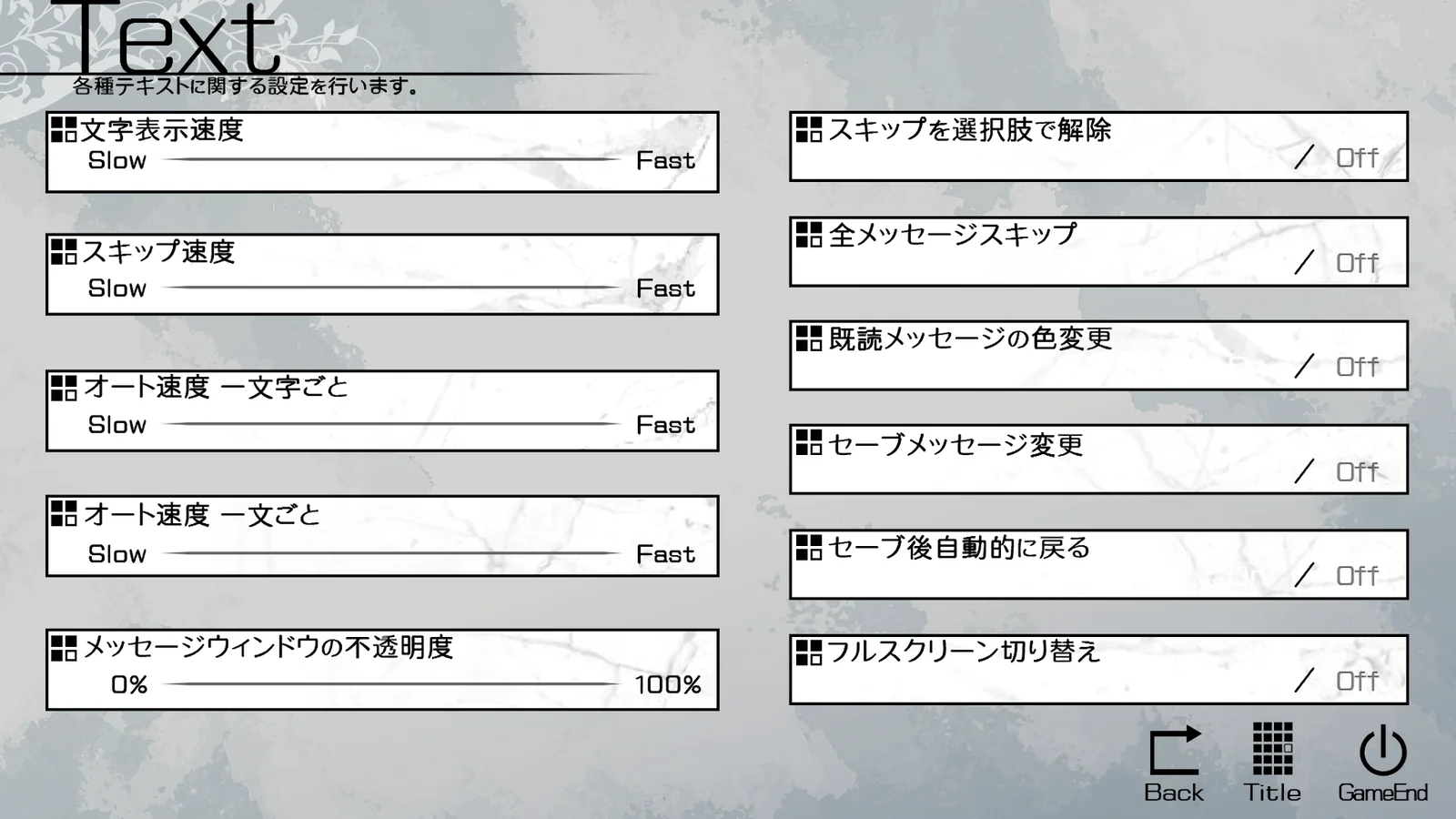
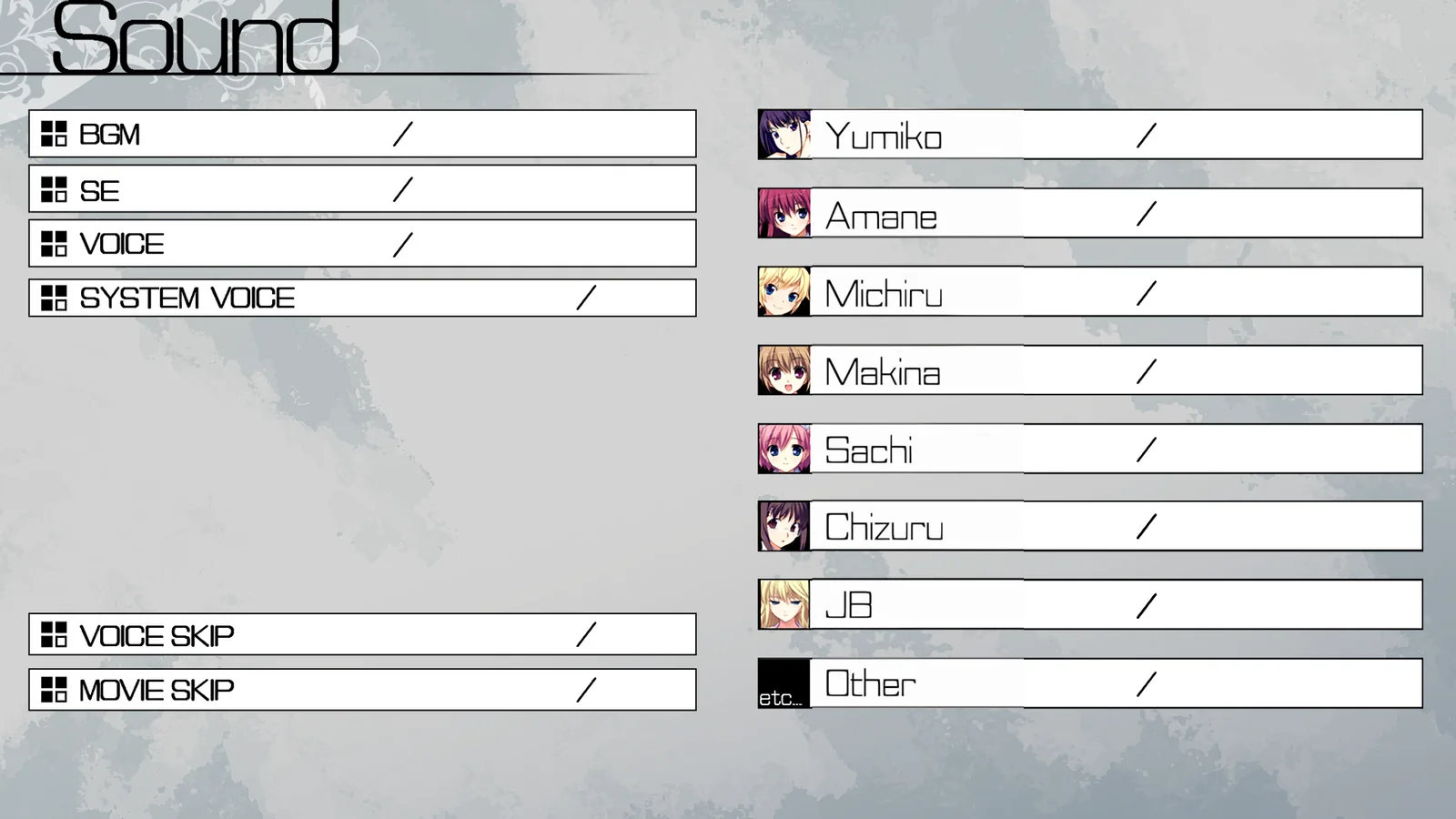
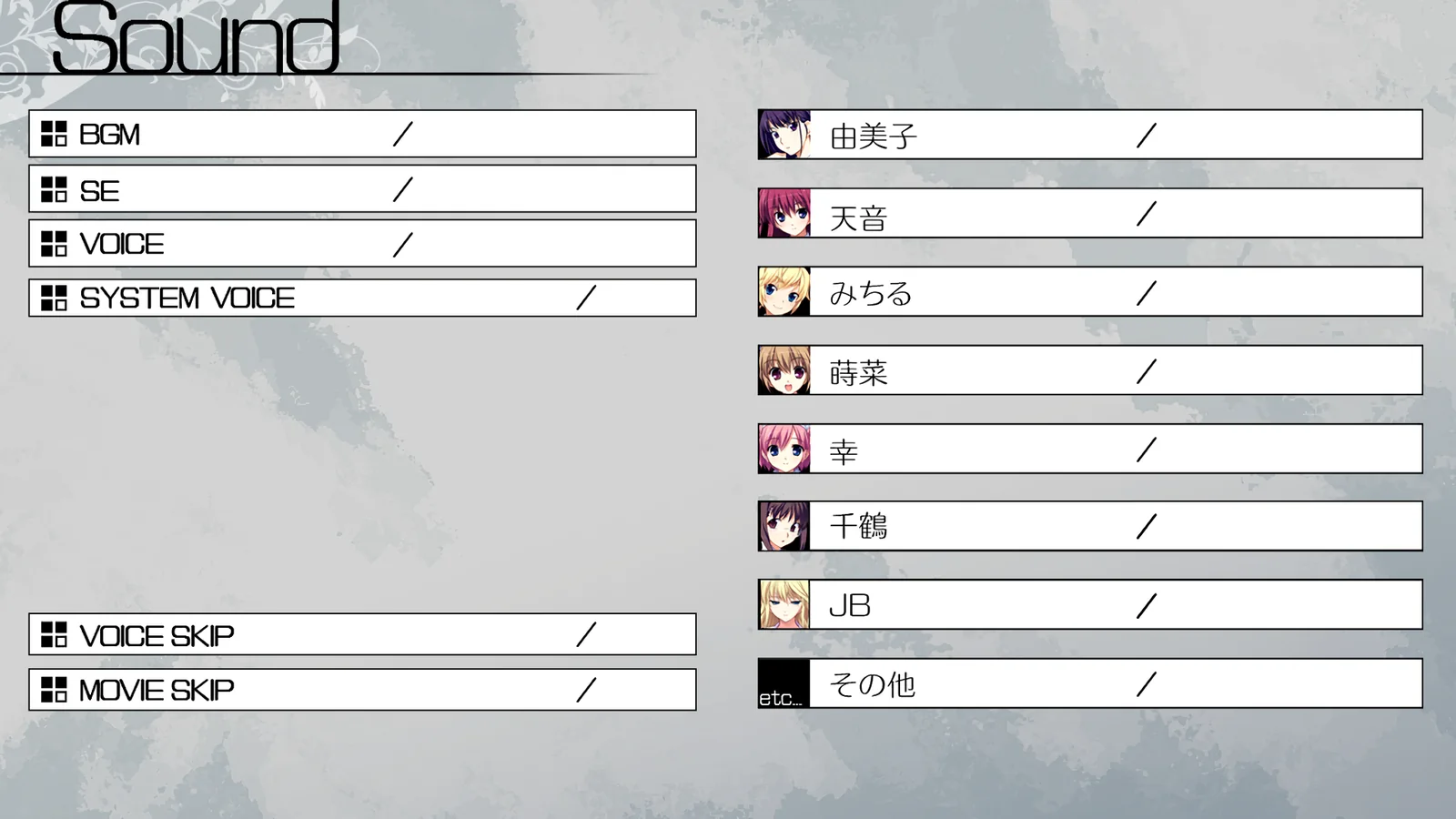
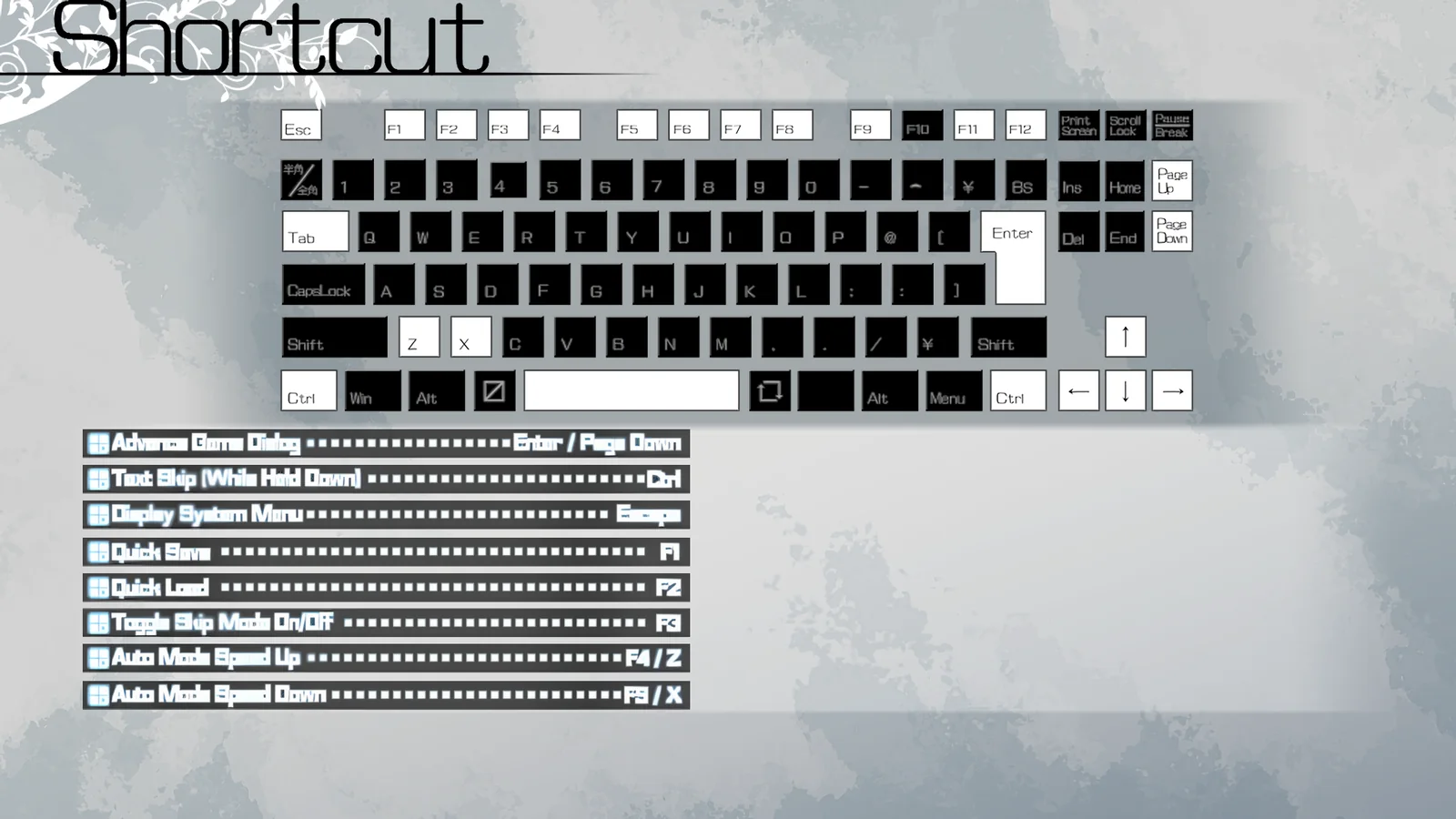
Up close
JAST drew its English menus for a 1024×576 screen; the Remastered Box runs at 1920×1080. The patch upscales JAST's art to fit. Shown at 2× zoom:






Download
English patch (Fruit + Labyrinth)One zip for both games · Install.bat / Uninstall.bat · pixeldrainMirrors:catbox.moe
Install
- Run
Install.bat.It finds the games in afrontwingfolder on any drive, e.g.D:\frontwing\<game>orD:\Games\frontwing\<game>. If it can't find them, it asks for the folder. - Start each game once and close it.The settings file the patch needs to edit only exists after the game has been launched once.
- Run
Install.batagain.This sets the in-game font to Grisaia Custom SP Medium — important, otherwise the text looks bad.
To uninstall, run Uninstall.bat. It restores the *.orig files and removes update90.int.
Notes
- You might need Locale Emulator to install the games: installed without it, they refused to run. The games and the patch don't need it.
- System Config might not open in game (System menu → System tab → Launch System Config). If that happens, launch
bootmenu.exewith Locale Emulator and open the system menu from there. This isn't caused by the patch.
UCG patch (Steam CGs)
The patch works together with the UCG patch for both games. Install the UCG patch first, then run Install.bat. If you add or remove the UCG patch later, run Install.bat again.
The UCG patch replaces some of the game's scenes with Japanese versions. Install.bat detects it and adds update99.int with English versions of those scenes.
What it changes in each game folder
update90.int- New file: English script, names, menus, layout fixes.
- the game exe,
cs2confx.dll,bootmenu.exe,config\startup.xml - English settings windows and key names. The originals are kept next to them as
*.orig; a file that isn't the expected original (another game version) is left alone. - Font “Grisaia Custom SP”
- Installed for the current Windows user only.
%APPDATA%\フロントウイング\<game>FHD\setup.xml- Font set to Grisaia Custom SP (backup:
.bak).